Everything you expect from a PCB design tool, with AI built in. Move faster through schematics, layout, routing, and manufacturing — with full control at every step.
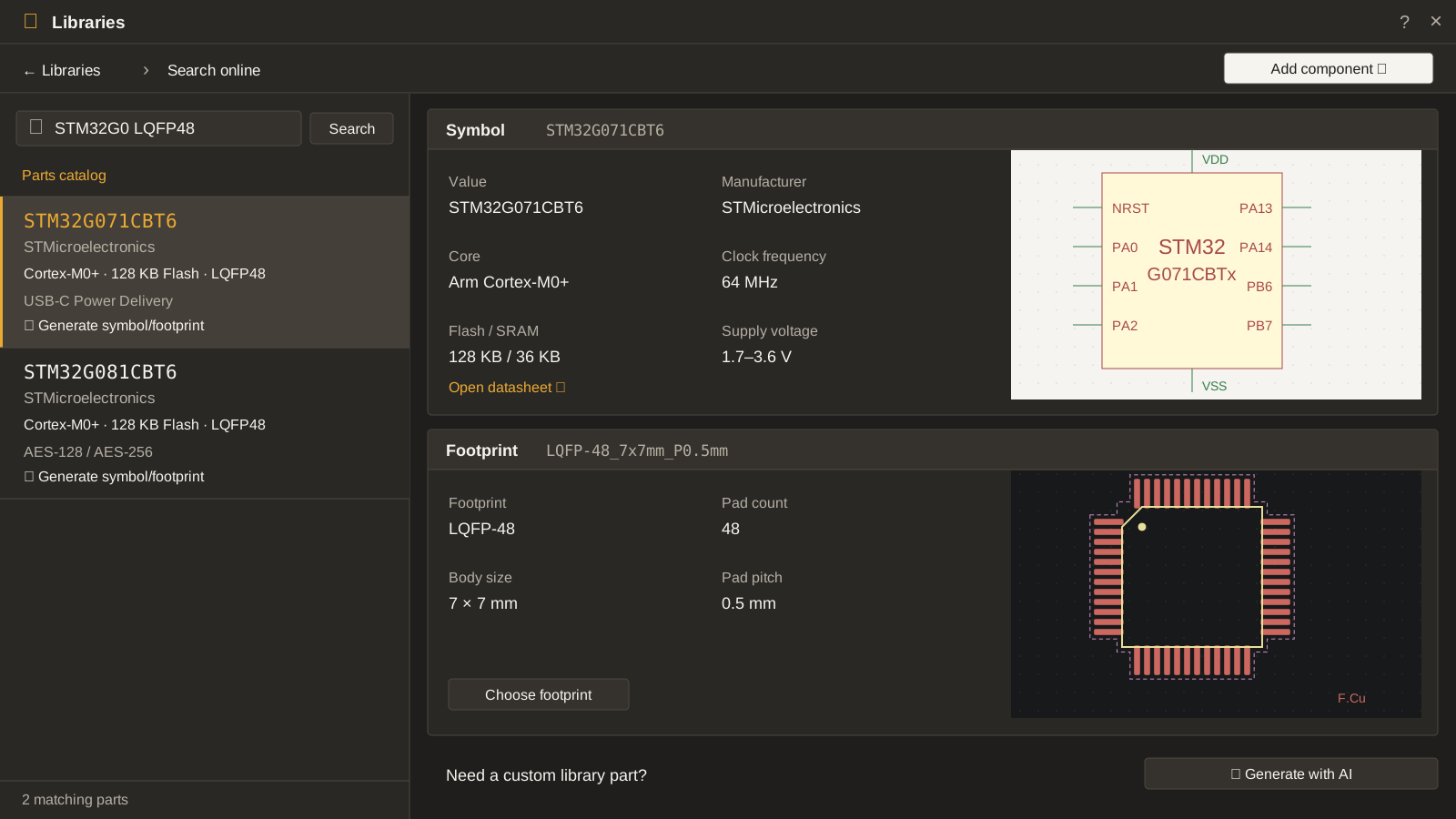
Search millions of parts. When one has no symbol or footprint, Resin AI reads its datasheet, builds both, and places the part in your schematic.
Approved symbols and footprints go into your workspace library, ready for the next design.
Schematic design
Start from requirements, not a blank sheet.
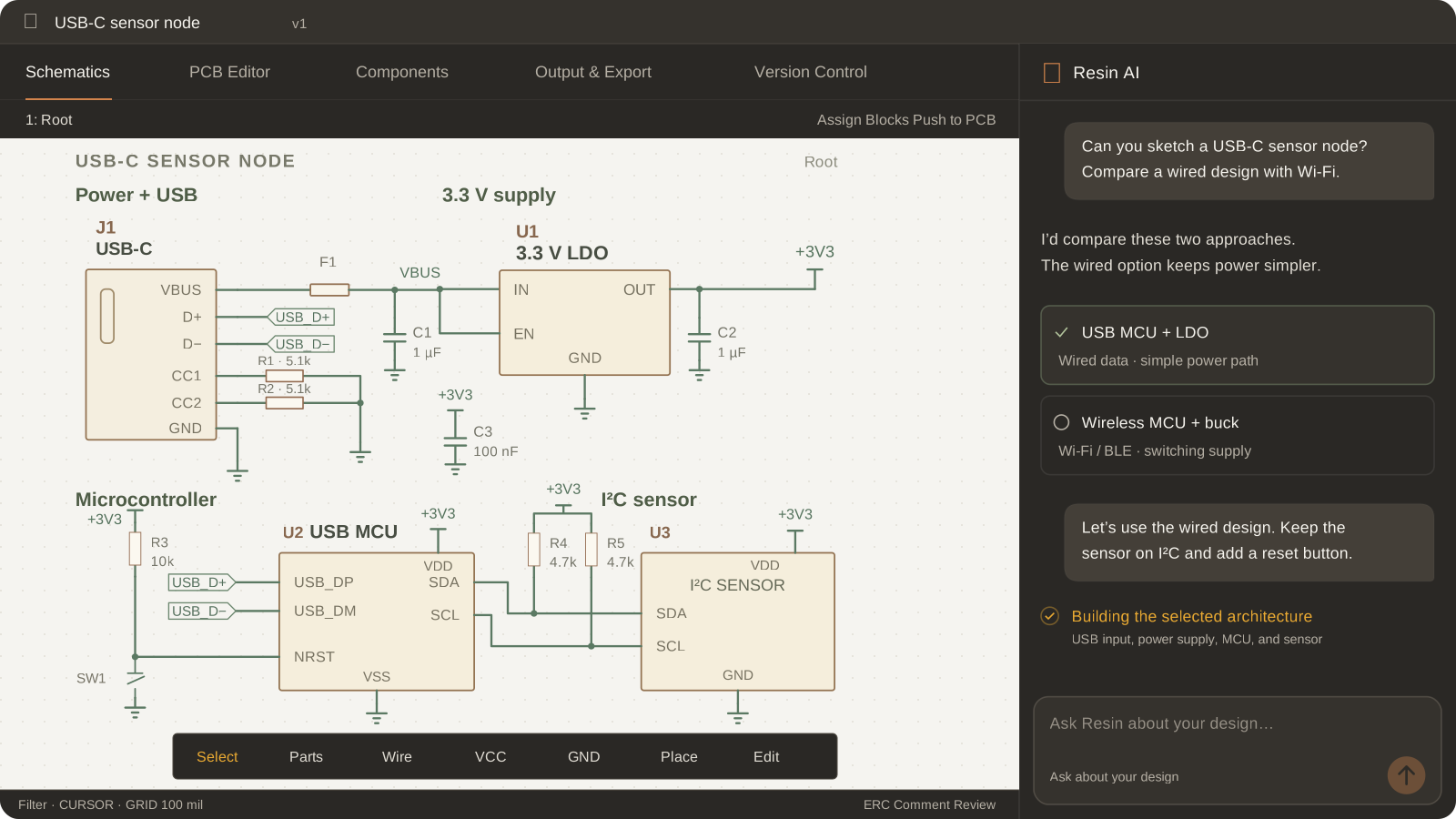
Tell Resin AI what the board has to do and which parts you have already picked. It searches across millions of parts to find the right components, fills in the rest of the circuit, and writes down the math behind each value.
Weigh a few architectures before you commit to one. Once the schematic is drawn, an AI review flags wiring and rating mistakes before you start layout.
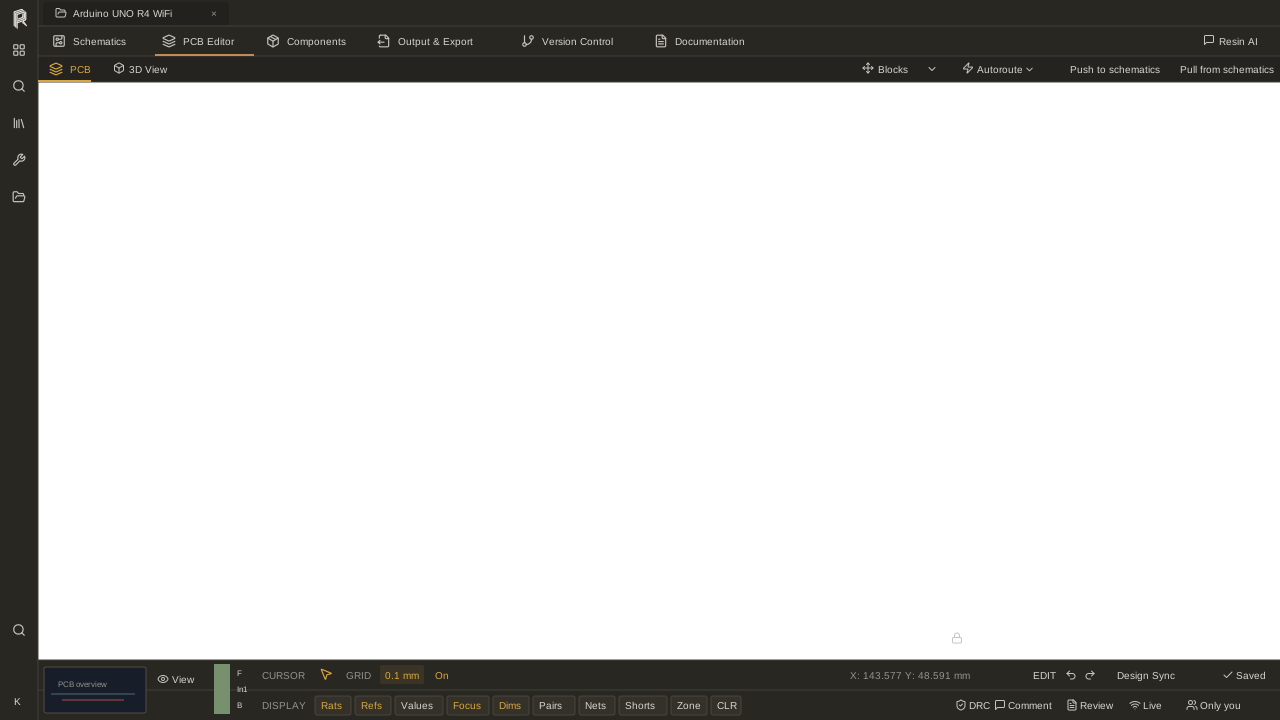
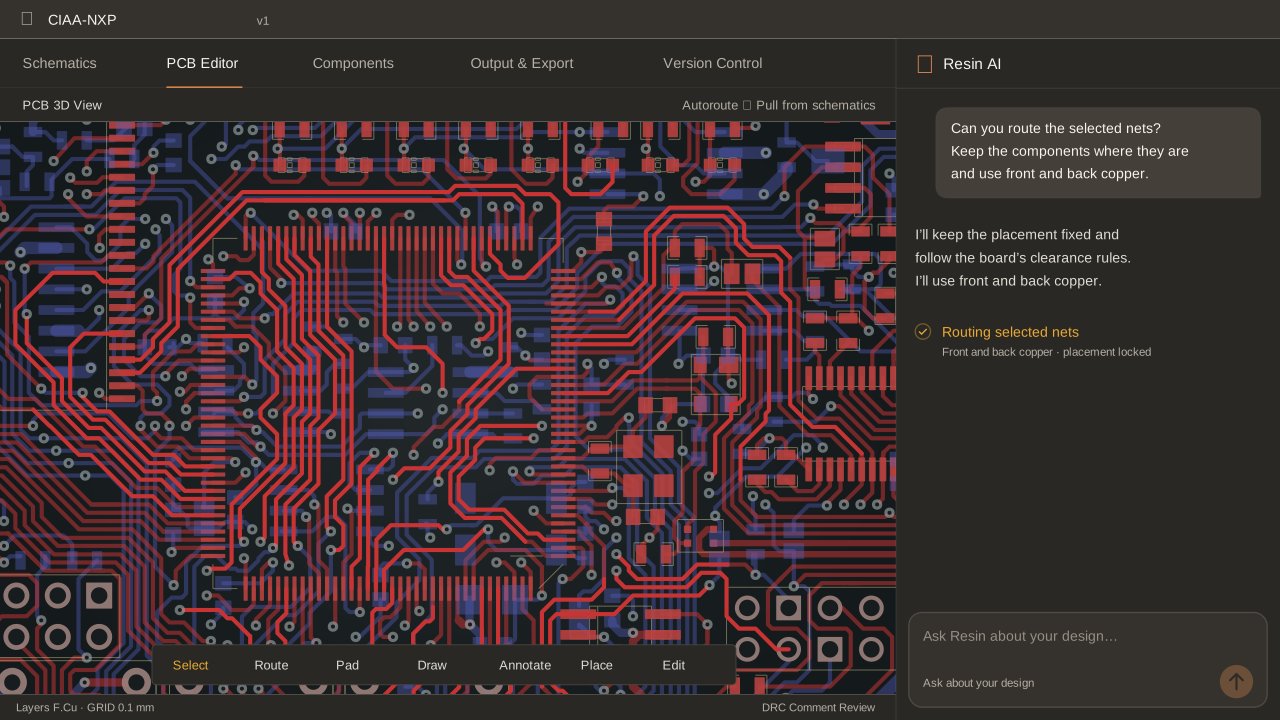
You set the layout and the core constraints. Resin’s proprietary routing engine takes care of the rest, from a single bus to the whole board.
Every route is checked against your design rules before it lands, and every track stays editable. Nudge a via, move a trace, keep going.
BOM and manufacturing
A bill of materials that stays current.
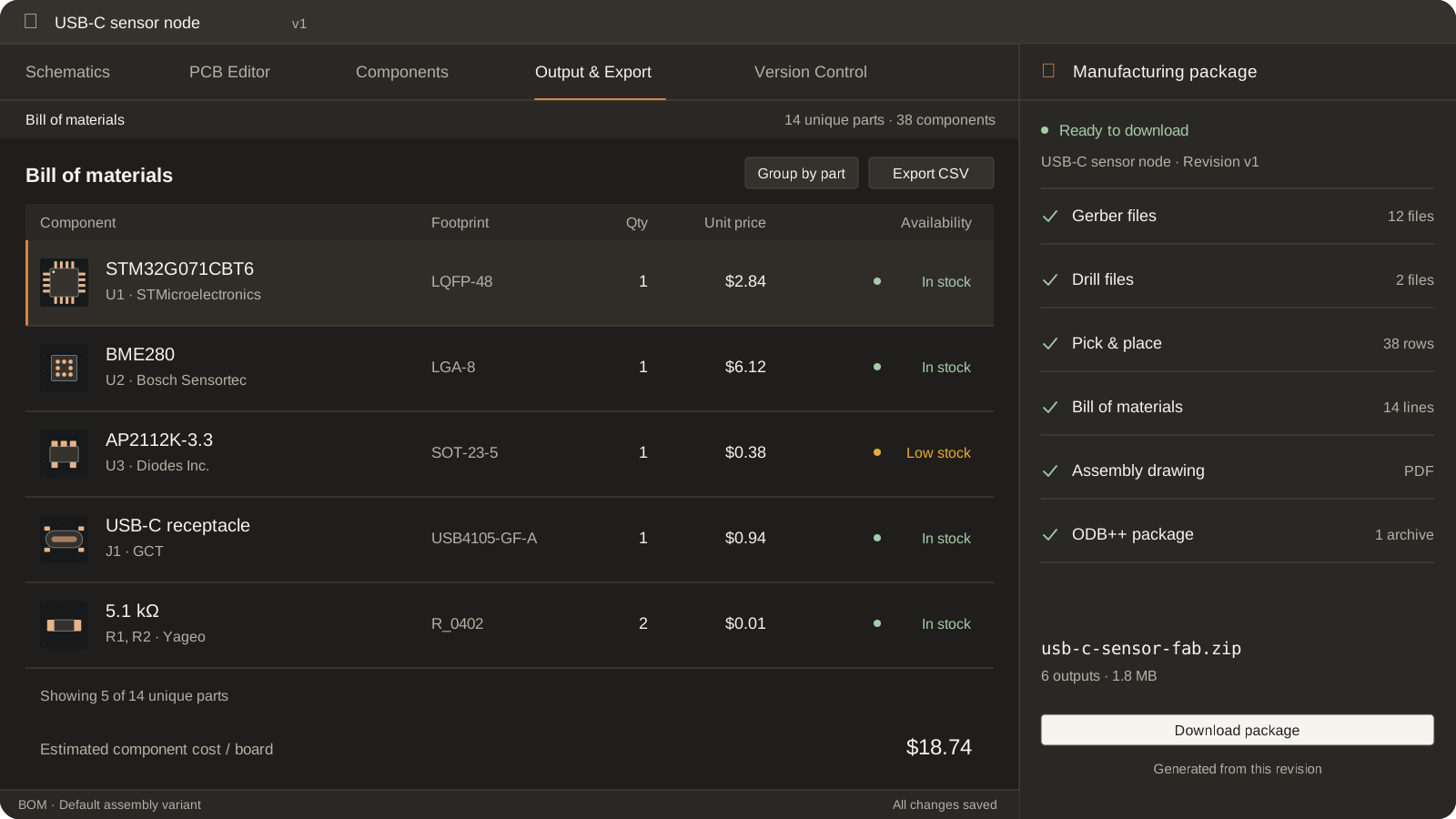
Part numbers, footprints and quantities live in one BOM, with pricing and stock pulled live from your distributors.
When the board is ready, export every manufacturing file in one package with one click. Adjust any output yourself, or ask Resin AI to prepare the handoff.
Version control and lifecycle
See exactly what changed between revisions.
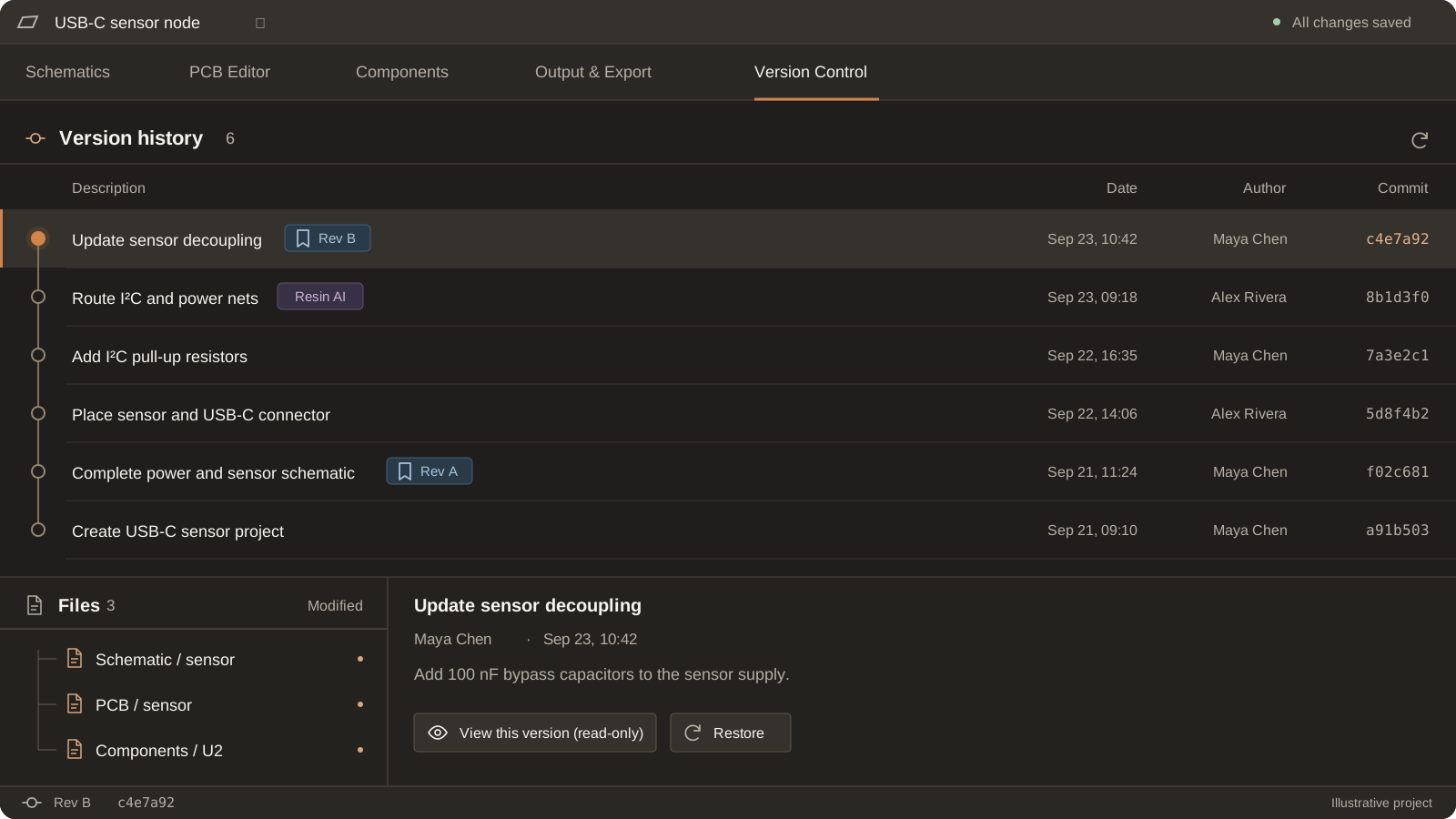
Resin keeps your design history. Compare any two revisions to see which parts were added, removed or moved, and go back to an earlier one whenever you need to.
It also watches your parts for obsolescence and suggests in-stock alternates, so a discontinued part does not stall your next build.
No lock-in. Your design stays yours. Import and export native
KiCad
Altium
Plans
Pro1 user
Free 14-day trial
Schematic, PCB, AI, and manufacturing tools for one user.
Describe what you want to build. Resin AI can draft a schematic with real, purchasable parts, research components and datasheets, answer questions about your open project, make edits, and run design reviews. Keep developing the same design in the editor; every AI change is an ordinary edit you can undo.
Is Resin a complete PCB design tool?
Yes. Resin includes schematic and PCB editors, routing, project libraries, bill of materials (BOM) management, 3D inspection, electrical rule checks (ERC), design rule checks (DRC), and manufacturing exports. The full workflow lives in one workspace, with AI built in.
Can I design without using AI?
Yes. Create and edit schematics, place components, route boards, run checks, and generate outputs directly. Use Resin AI whenever you want help drafting, researching, or refining a design.
Your projects, in and out
Can I bring my existing designs?
Yes. Import KiCad and Altium projects, including Altium Designer, CircuitMaker, and CircuitStudio. You can also start with a blank sheet and develop a new design with AI.
Can I export my work?
Yes. Export editable KiCad or Altium projects, or generate fabrication, assembly, and mechanical outputs including Gerber, drill, BOM, pick-and-place, ODB++, IPC-2581, and STEP.
Who owns my designs?
You do. You retain ownership of your design data and can export your projects as editable design files and manufacturing outputs. Read the Terms of Service.
Teams & getting started
How do teams work together in Resin?
Team workspaces bring shared projects and component libraries together with real-time collaboration, comments, version history, revision comparisons, and design reviews. Feedback stays alongside the design.
Can I explore Resin before paying?
Yes. Every new account starts with a free 14-day Pro trial, with no card required. Create an account to get started, or contact us to arrange an Enterprise evaluation. You can also explore the product without an account. Explore the product.
Unleash your ambition with Resin
Ship boards at the speed of ideas. Describe the circuit and Resin AI drafts the schematic, routes the board and exports for fab.